Español
How to Create the Perfect Thumbnail for Your OnlyFans Video?

Think of your OnlyFnas thumbnail as the doorway to your content.
You've put in the hard work on your videos, but let's be honest: if your thumbnail doesn’t grab attention, all that effort might go unnoticed.
It’s the first visual hook that can either lure potential subscribers in or push them away. So it’s important to get it right!
In this step-by-step guide, we’ll share some tips and tricks on how to create the perfect thumbnail for your OnlyFans video.
Why Do You Need a Good Thumbnail on OnlyFans?
Sure, your content is what keeps subscribers coming back, but that thumbnail? It’s what gets them through the door. Think about it—when scrolling through countless options, a striking, well-crafted thumbnail can make the difference between someone clicking on your content or simply scrolling past it. You already know this, but do you really understand the impact it can have on your OnlyFans success?
You want to showcase your personality and style, so let your thumbnail reflect that! Use vibrant colors, bold text, or an intriguing image that gives a sneak peek of the fun, exciting content waiting inside. Consider adding a personal touch that highlights what makes your videos unique.
So, as you plan your next video, put just as much thought into your thumbnail as you do into the content itself. If you nail this visual entry point, you’ll not only entice viewers but also set the tone for what they can expect from your channel.
Technical Requirements for OnlyFans Thumbnail
To get the best results, your thumbnail should meet certain technical requirements:
Size and Resolution
Aim for a size of 1280x720 pixels; this not only ensures your image looks crisp on desktops but also scales beautifully for smartphones and tablets.
And let’s chat about resolution—keep it at a minimum of 72 DPI. This little trick helps your images pop without those pesky pixelation issues.
File Format
If your thumbnail boasts vibrant colors and lots of gradients, go for JPG. It’ll keep your file size down without compromising quality—always a win!
But if your thumbnail features text and logos or even needs a transparent background, PNG is your friend. It delivers crisp clarity, allowing your design to shine, but keep in mind it might be a bit heavier.
Tools
You can't just edit your OnlyFans thumbnail on Paint or Instagram. So, it’s best to combine different tools and get creative! Here are a few options:
- Canva: This free, user-friendly platform is a lifesaver, especially if design isn't your forte. With tons of templates and a mobile app, you can whip up eye-catching thumbnails anytime, anywhere.
- Adobe Photoshop: If you're looking for something more advanced, Photoshop gives you the tools to really elevate your thumbnails. It's perfect for those of you who want complete control over every aspect of your design.
- Thumbnail-specific tools: Check out services like Thumbnail Blaster or Snappa. They come packed with templates tailored for thumbnails with built-in tools for text and color adjustments.
We have a detailed guide on content creation tools for your OnlyFans. Take a look!
Designing Your OnlyFans Thumbnail
You can't just post a thumbnail without putting much thought into it. Use these tips to make sure your thumbnail stands out from the crowd:
Composition
When it comes to composition, think about what grabs your attention.
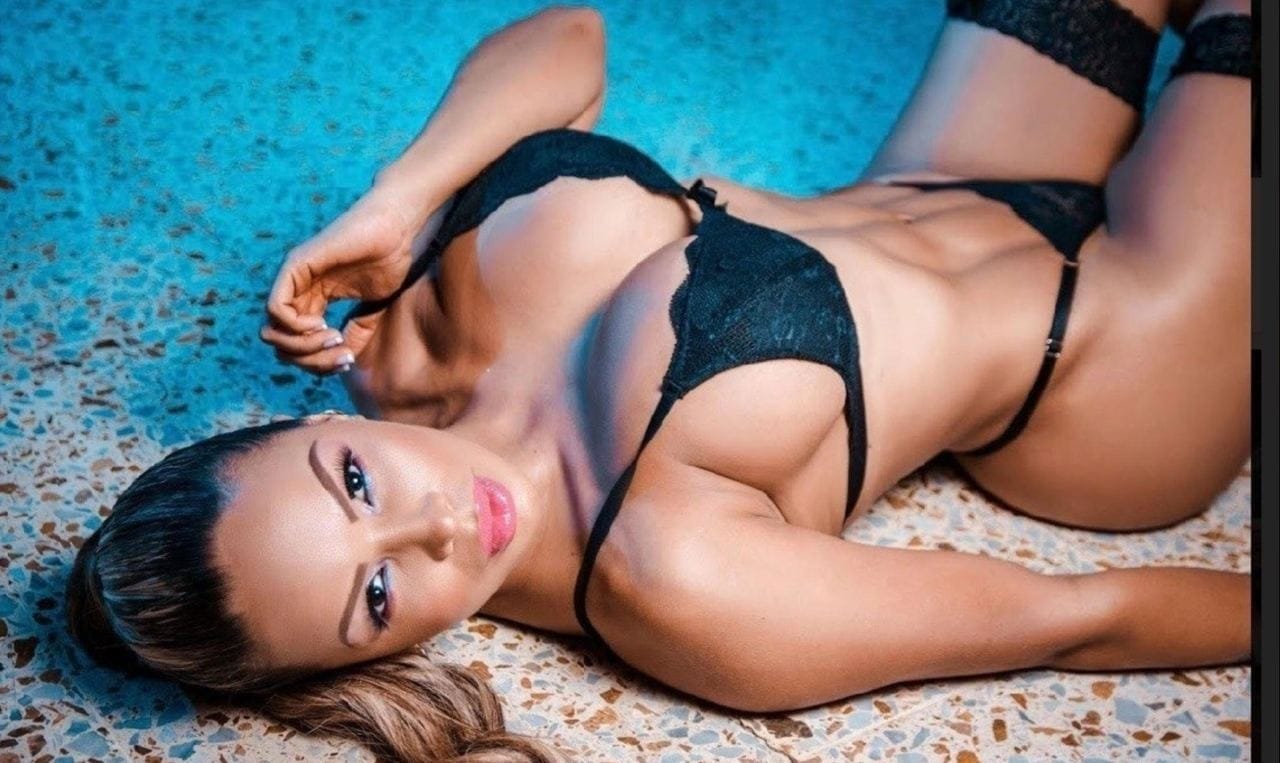
Start with high-quality images—those vibrant, well-lit shots can work wonders. If you're feeling creative, take a killer screenshot from your video or design a custom image.
Now, here’s a little secret: use the rule of thirds. Picture your thumbnail divided into nine equal boxes. Placing key elements at the intersections (like your face!) creates a more dynamic and engaging look.
Next up is visual hierarchy. Organize your elements so they guide the viewer’s eye exactly where you want it. Make your main message pop with bold text and let supporting images or icons play a supportive role.
Colors
As seasoned OnlyFans creators, you know that different hues evoke different emotions.
For instance, red can ramp up the excitement, which is ideal for enticing viewers to check out explicit OnlyFans content.
On the flip side, softer pinks exude a playful vibe, perfect for more flirty, cosplay OnlyFans themes.
When you blend colors, don’t forget about contrast! If you have a darker background, use light text to ensure readability and draw the eye.
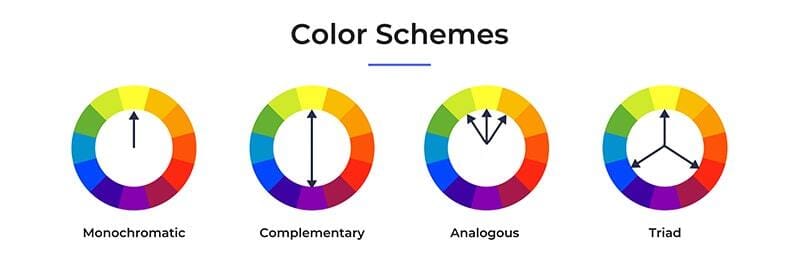
And remember to stay true to your brand's palette; consistency feeds recognition. Experiment with shades to see what resonates best with your audience because a thumbnail that reflects your unique vibe will always stand out.
Text
Typography can make or break your thumbnail!
You already know a clean, bold font exudes confidence, but consider mixing that with a fun, whimsical style for a personal touch.
Think about your brand’s identity—do your fonts reflect that?
For eye-catching thumbnails, combine a standout typeface for your main message with a complementary one for secondary text.
Just remember: readability is key! Avoid overly intricate fonts that lose clarity at smaller sizes. You want viewers to absorb your message at a glance, not squinting or guessing what it says. Your typography should invite them in, not push them away!
What Kind of Content Should You Show in an OF Thumbnail?
When crafting a thumbnail for your OnlyFans content, think of it as your personal mini-advertisement—it’s your chance to showcase the very best bits! You want to give your audience just enough to spark their curiosity without spilling all the secrets. Highlight tantalizing moments or captivating visuals from your videos, making sure they’re intriguing yet not entirely revealing.
Remember, your thumbnail should be an invitation, not a spoiler!
Consistency in your OnlyFans branding is crucial. Define your colors, fonts, and overall aesthetic, and stick to that signature look across all thumbnails. This not only adds a professional touch but also helps viewers recognize your content instantly. Visual continuity builds trust, so when they see your thumbnail, they know it’s you—no second-guessing is required!
Text overlays can work wonders by giving potential viewers a glimpse of what they can expect. Keep it short and sweet; no one wants to squint at a wall of text. Opt for compelling phrases that pique interest without overwhelming.
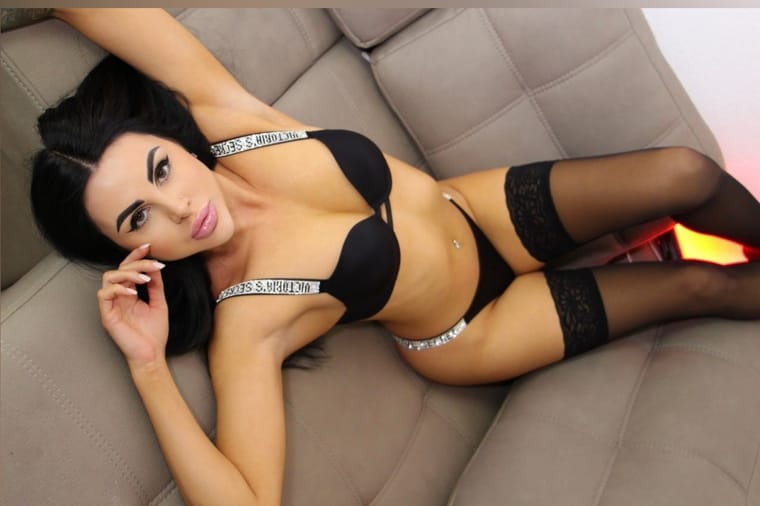
Let’s not forget about facial OnlyFans expressions and poses! Making eye contact with the camera can create an immediate connection with your audience, urging them to click. Play with different vibes—whether you aim for allure, playfulness, or an edge of mystery, your pose and expression should resonate with the content you're sharing. If you’re unsure, try grabbing a screenshot of an especially engaging moment from your video—it’s an effortless way to find that perfect thumbnail!
Legal and Ethical Considerations
When creating your OnlyFans thumbnail, it’s essential to play by the rules. This means only using original or properly licensed images. If you're not snapping the pics yourself, make sure you have explicit permission to use any graphics or photos. Websites like Unsplash or Pexels can be a goldmine for stock images, but double-check their licensing terms—some don’t allow commercial use, which includes your OnlyFans content.
Also, keep your thumbnail honest. It's tempting to use an eye-catching, flashy image for clicks, but misrepresenting your content can lead to backlash. Misleading thumbnails can spark complaints and erode the trust you’ve built with your audience.
Remember, your thumbnail should accurately reflect the exciting content inside. Be authentic, and let your creativity shine without straying from the truth!
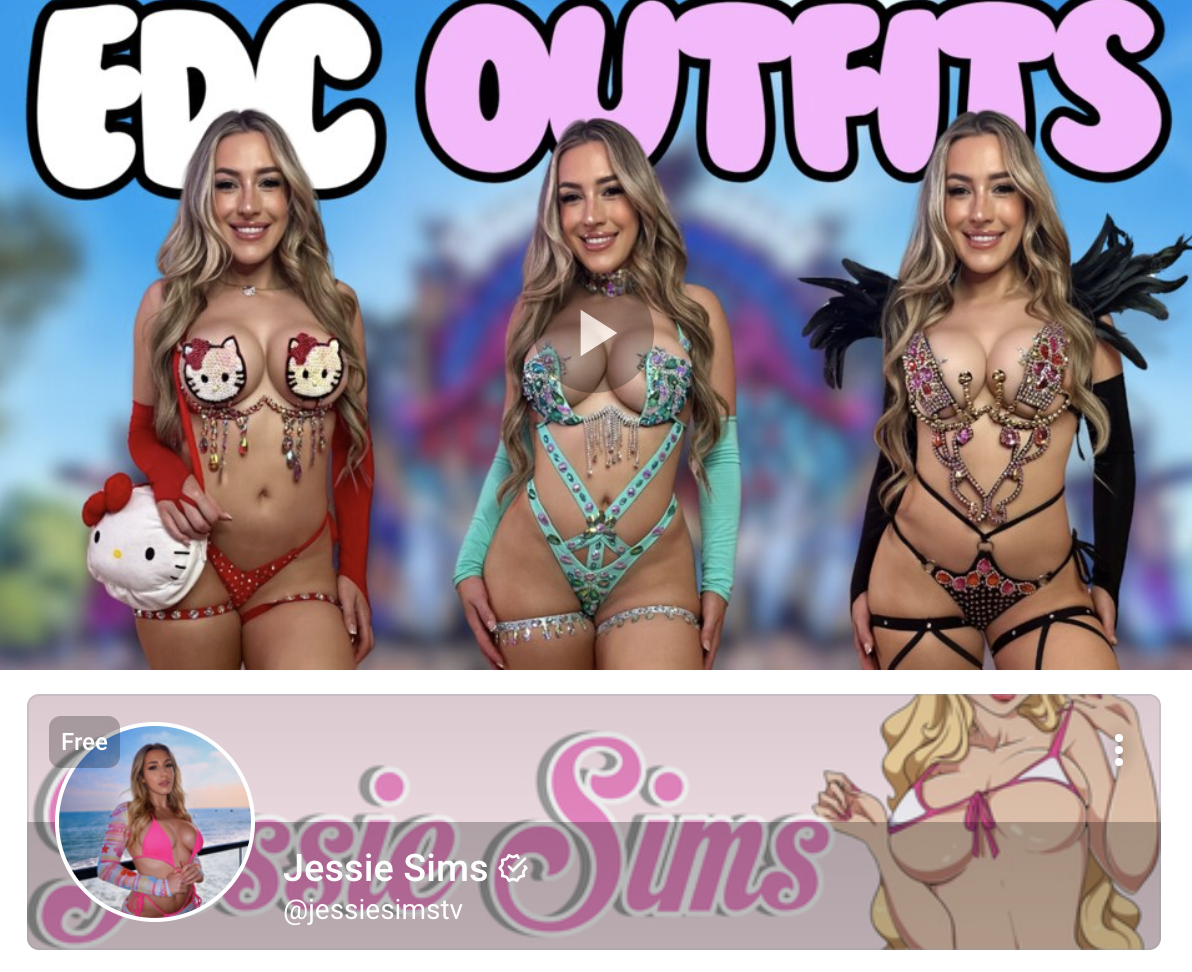
Test and Optimize
Have you tried A/B testing yet? It’s a game-changer!
Create two different thumbnails for the same content—maybe one features a striking close-up of your face while the other captures a full-body shot.
Then, see which one gets more clicks. Track those click-through rates and view counts; these metrics are gold when it comes to understanding what your audience craves.
Over time, you’ll start spotting trends. Perhaps you’ll discover that bright, bold colors pull in the viewers or that thumbnails with compelling text overlays resonate more.
Don’t be afraid to get creative and iterate! Your thumbnails are like your calling card—refine them based on real feedback, not just gut feelings.
You can do all this on ModelSearcher.com.
ModelSearcher.com is your new best friend in the world of adult content creation. It’s a vibrant online platform that blends OnlyFans search engine capabilities with social media.
You can post your content—whether it’s naughty or nice—and connect directly with your audience without those pesky shadowbans or demonetization worries.
What’s great is the discovery feature; describe yourself (like being a blonde OnlyFans cosplayer from the UK), and fans can easily find you based on their interests!
You can share your thumbnails and test them right here. Not sure which one catches the eye? Upload different versions as posts and see what your audience engages with most. It’s free, it’s fun, and it’s all about helping you grow your following and earnings.
Final Thoughts
You have to understand how important it is to have an eye-catching thumbnail. It's in the users' brains to click on something that looks interesting, so try to give them what they want!
Using the rule of thirds, creating a visual hierarchy, and incorporating effective color combinations, typography, and imagery can all contribute to a standout thumbnail.
Remember to stay true to your brand's aesthetic and experiment with different elements to see what works best for your unique content. And always make sure to follow legal and ethical guidelines when choosing images for your thumbnail.
It's the first impression; make it count!